
PenBar
The missing toolbar for Windows 11 tablets and 2-in-1s: handwriting, a swipe keyboard, dictation and one-tap shortcuts.
Version 1.1.0 · single .exe, no installer · free and open source (MIT) ·
or with winget: winget install z1ad.PenBar
Why PenBar?
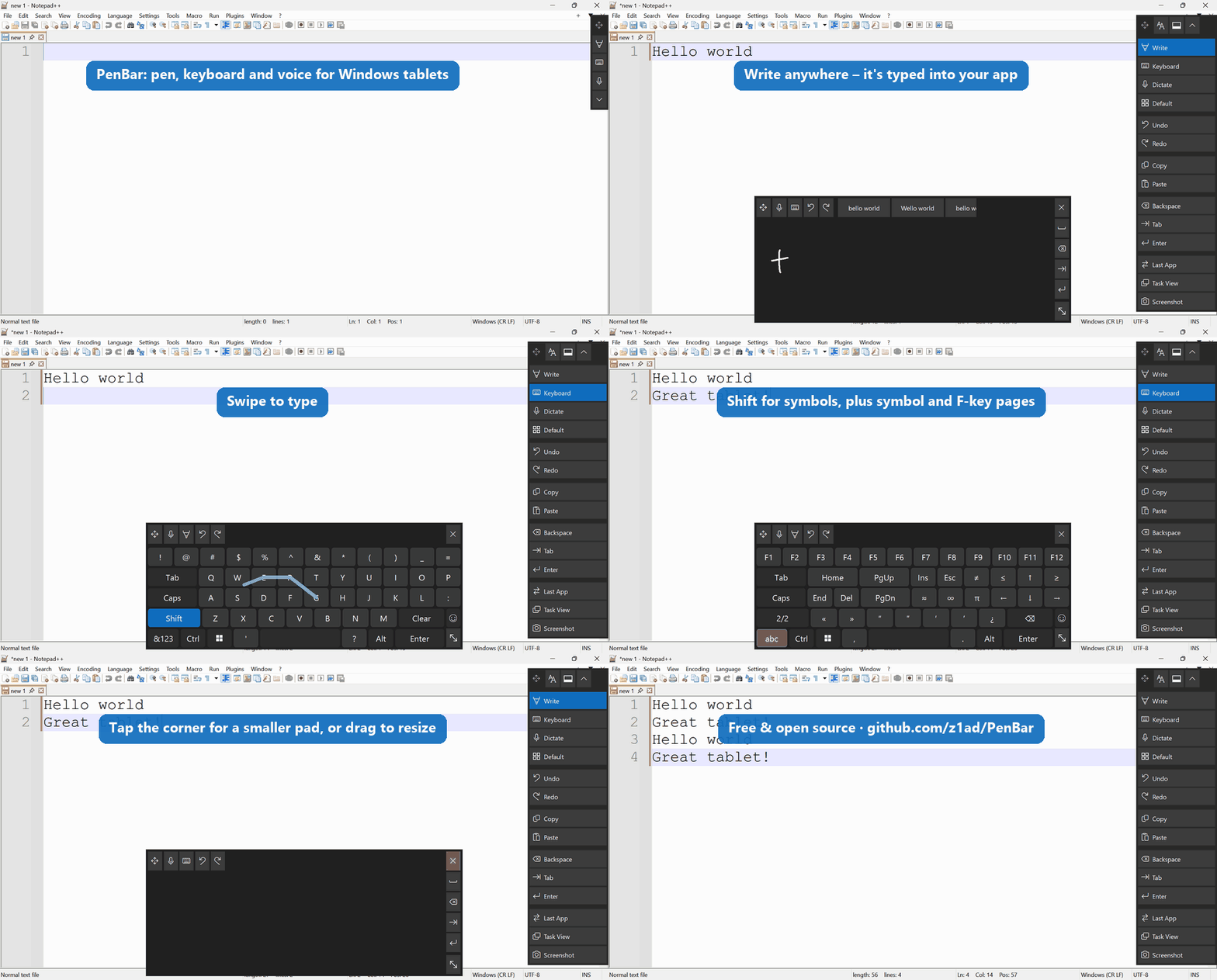
Pen, keyboard or voice
Write, Keyboard and Dictate sit side by side, and one tap on the pad swaps handwriting for the keyboard.
Undo one word at a time
Handwriting is undone word by word, instead of Ctrl+Z wiping out everything you wrote.
A real touch keyboard
Swipe typing, word suggestions, accents, symbols, F keys, arrows, and Ctrl / Alt / Win shortcuts.
One-tap shortcuts
Undo, Redo, Copy, Paste, Backspace, Tab (accepts autocomplete), Enter, Last App, Task View and Screenshot.
Fits any screen
Docks to any edge, horizontal or vertical, labels on or off. Resizable dark pad. Minimizes when the keyboard is attached.
Private and free
Uses Windows' own recognizers. No account, no telemetry. MIT licensed and open source.
Get started
- Download PenBar.exe and put it in a permanent folder.
- Double-click it. If Windows shows “Windows protected your PC”, choose More info → Run anyway (the app isn't code-signed yet).
- Tap Write and start writing. More options are in the tray icon menu.
Made for Windows 11 pen and touch devices. Questions or ideas? Open an issue.